TL;DR — 3-Minute Summary
- Hubspot CRM pricing is rarely the full story. The real cost comes from slow lead capture, manual follow-up, and disconnected scheduling.
- Most Wichita service businesses do not need to replace their CRM. They need workflow automation around it.
- Hubspot, monday.com, and Pipedrive can all work well when they connect to calls, forms, scheduling, and follow-up. See our integrations page.
- Employee scheduling software helps, but it is not enough by itself. If scheduling is disconnected from lead capture and CRM updates, the admin burden stays high.
- The best ROI usually comes from business automation. Capture the lead fast, route it correctly, update the CRM automatically, and keep follow-up moving.
By Maxwell Hinman
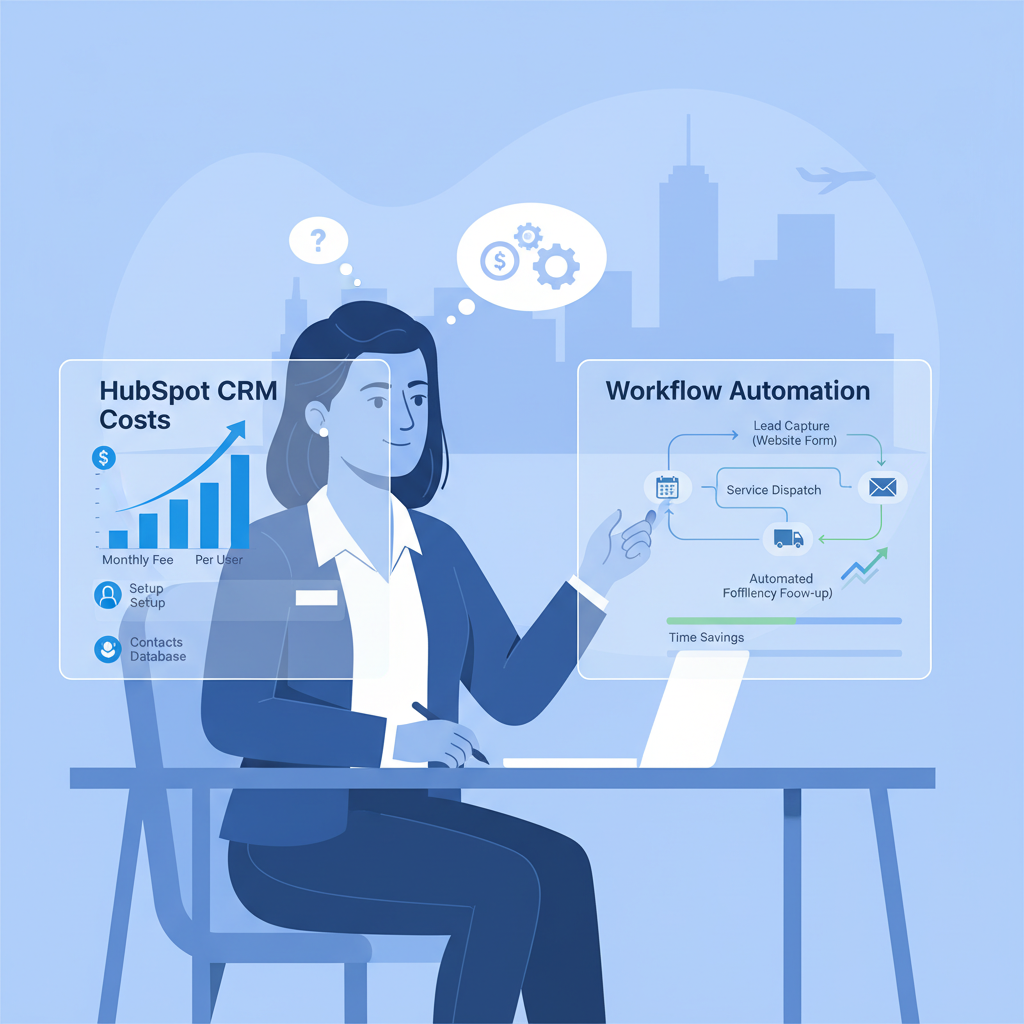
Intro: The Software Quote Was Not the Real Problem
A while back, I was thinking about a pretty normal situation for a Wichita service business owner. He was trying to get more organized, so he started comparing software. Hubspot looked polished. The CRM made sense on paper. The pricing seemed manageable at first. But the real question in his head was not just, “Can I afford Hubspot?” It was, “Will this actually fix the chaos?”
That is the part I think gets missed all the time.
I have seen businesses buy a better CRM and still deal with the same operational mess two weeks later. Calls still come in after hours. Website forms still sit too long before anyone follows up. The office still has to manually copy customer information, chase scheduling details, and remember which estimate needs attention.
That is why I do not think Hubspot CRM pricing vs workflow automation is really a software comparison. It is a cost-of-chaos comparison.
For Wichita service businesses, the question is not whether a CRM is useful. It is. The question is whether you are solving the actual bottleneck. In most cases, the expensive part is not the monthly CRM subscription. The expensive part is manual work, missed leads, and inconsistent follow-up.
The Problem: Why CRM Pricing Alone Is a Bad Decision Filter
When people search for Hubspot CRM pricing, I get it. It feels like the responsible place to start. Owners want a number they can compare. They want to know whether Hubspot is cheaper or more expensive than alternatives, and whether it makes sense compared to tools like monday.com or Pipedrive.
But that monthly number does not tell you much by itself.
Here is what it leaves out:
- missed calls that never become CRM records
- form submissions that wait too long for a response
- manual lead capture by the owner or office manager
- double entry between your CRM and your employee scheduling software
- follow-up that depends on memory instead of process
- jobs that stall because nobody owns the next step
I keep coming back to the same truth: cheap software with expensive manual operations is not actually cheap.
That is where a lot of service businesses get stuck. They buy software that improves visibility a little, but not velocity. The data is cleaner, but the workflow is still slow. The dashboard looks better, but the business still depends on humans doing repetitive coordination all day.
That problem gets worse when demand increases. Maybe you invest in lead generation services. Maybe your Google Business Profile starts producing more calls. Maybe you add another technician and start shopping for employee scheduling software. If the core workflow is still manual, more demand just creates more pressure.
And when the pressure rises, the leaks get obvious. Calls get missed. Estimates sit. Scheduling gets messy. The CRM becomes incomplete because the team is too busy to keep it current.
That is not a CRM failure. It is a workflow automation failure.
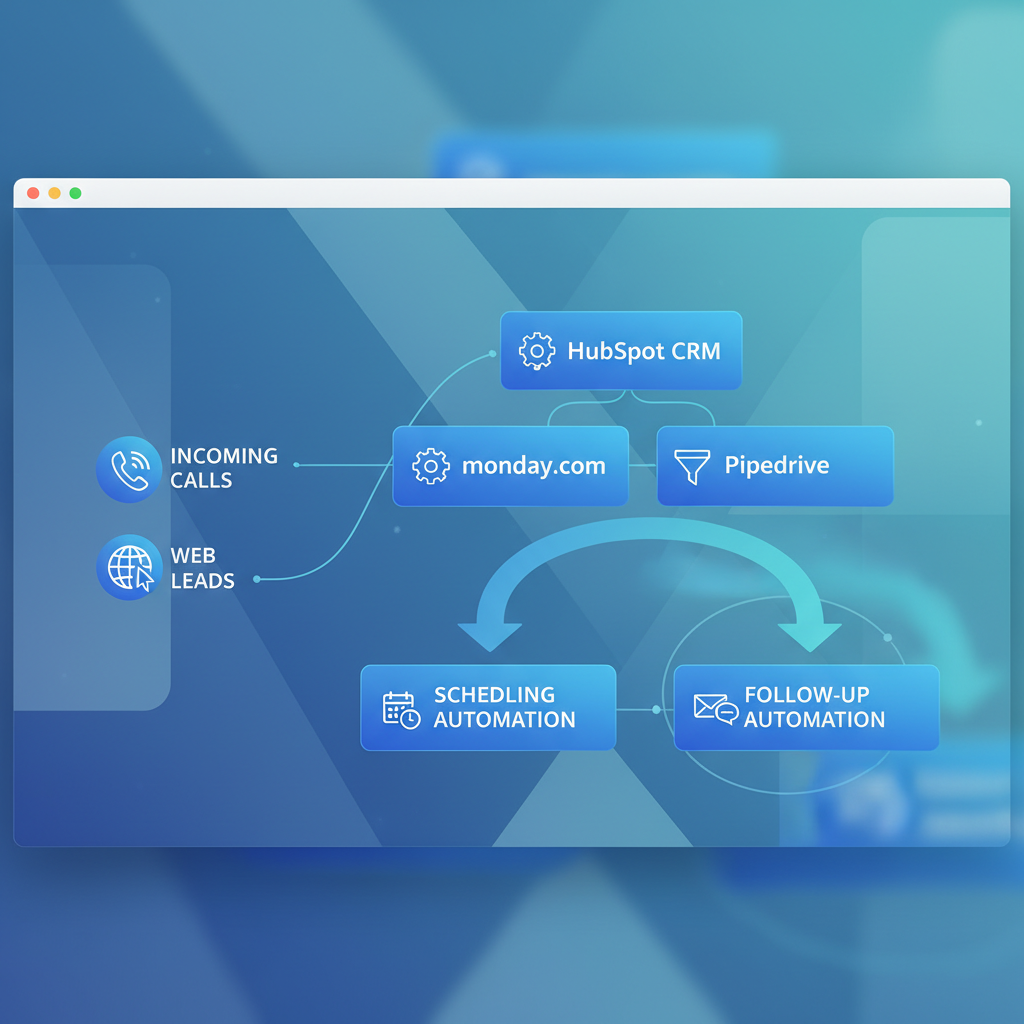
Solution: What Workflow Automation Actually Changes
When I talk about workflow automation, I am not talking about adding more complexity. I am talking about removing the repetitive handoffs that make service businesses feel disorganized.
For a Wichita contractor, plumber, HVAC company, or electrical shop, the ideal process is pretty simple:
- a lead comes in by phone, form, or text
- the lead is captured immediately
- the information goes into the CRM automatically
- the inquiry is tagged and routed correctly
- the customer gets a next step fast
- scheduling updates the right people
- follow-up continues without somebody babysitting the process
That is what business automation is supposed to do. It should reduce admin drag, not create another login for the office manager.
This is also why I rarely recommend ripping out a CRM first. If you already use Hubspot, keep it unless it is clearly the wrong fit. If you use monday.com or Pipedrive, same idea. The smarter move is usually to connect the tools you already have so they behave like one system.
That is exactly why we build systems that work with monday.com, Hubspot, Pipedrive, and 50+ other integrations. Most businesses do not need a complete software reset. They need the handoffs fixed.
Let me make the cost comparison practical.
Option 1: Hubspot CRM only
- good contact records and pipeline visibility
- better than spreadsheets and sticky notes
- still depends heavily on manual updates, manual lead capture, and manual follow-up
Option 2: CRM plus disconnected employee scheduling software
- scheduling may improve a little
- the team still copies details between systems
- you get more tools without better coordination
Option 3: CRM plus workflow automation
- lead capture happens faster
- the CRM stays current automatically
- scheduling and follow-up are tied to the actual customer record
- the team handles exceptions instead of every repetitive task
This third option often costs more on the invoice and less in the business.
That is the point owners usually feel immediately. When the repetitive work shrinks, response time improves. When response time improves, more leads get booked. When more leads get booked, the monthly software price suddenly matters a lot less.
Real Results: Where the ROI Actually Shows Up
The businesses that get the best results usually are not the ones with the flashiest software stack. They are the ones with the cleanest operating rhythm.
Here is what tends to change when workflow automation wraps around the CRM:
- Lead capture improves. Every inquiry lands in one record instead of getting scattered across calls, texts, and inboxes.
- Speed improves. Customers get a fast next step instead of waiting while someone checks notes and calls back later.
- Scheduling improves. Your employee scheduling software becomes part of the customer flow, not a separate island.
- Follow-up improves. Estimates, reminders, and callbacks stop depending on whoever happens to remember.
- Reporting improves. The CRM finally reflects reality because the system updates it consistently.
That matters because local service businesses do not need abstract efficiency. They need fewer dropped balls and more booked jobs.
I think this is the cleanest way to say it: a CRM stores the relationship, but workflow automation moves the relationship forward.
If you are spending money on lead generation services but your lead capture is weak, you are paying to create more mess. If you buy better scheduling software but it is disconnected from the CRM, you are just moving the same chaos into a prettier interface.
The win comes when calls, forms, CRM updates, and scheduling all move together. That is when a Wichita service business starts feeling like it has an operating system instead of a patchwork.

Getting Started: What I Would Do First
If I were helping a service business sort this out today, I would keep it simple.
- Map every lead source. Calls, forms, texts, and referrals should all be visible.
- Keep the CRM unless it is clearly broken. Hubspot, monday.com, and Pipedrive are all workable in the right setup.
- Fix lead capture first. That is usually the fastest and highest-value automation layer.
- Connect scheduling and follow-up next. Your CRM and employee scheduling software should not live in separate worlds.
That sequence matters. Most businesses shop for more tools before they fix the handoff between the tools they already have.
If you are comparing Hubspot CRM pricing vs workflow automation right now, my recommendation is straightforward: do not choose between them as if they solve the same problem. Use the CRM as the system of record, then use workflow automation to make the business move faster.
That is where the real cost comparison becomes clear, and that is where the real ROI shows up.
Want help connecting your CRM to real workflow automation? We build practical systems for Wichita service businesses that want cleaner lead capture, faster scheduling, and more consistent follow-up.